TRANSCRIPTION WITHOUT THE CLOUD
Meeting transcription and summaries on your workstation, without sending content to the cloud.
In Promic Speech AI Professional, speech recognition, speaker identification, summaries and the meeting archive run on the GPU and disk of the Windows workstation. Meeting content is not sent to cloud AI services or to Riole. This page explains what stays local and what uses the internet.
Request a trial or license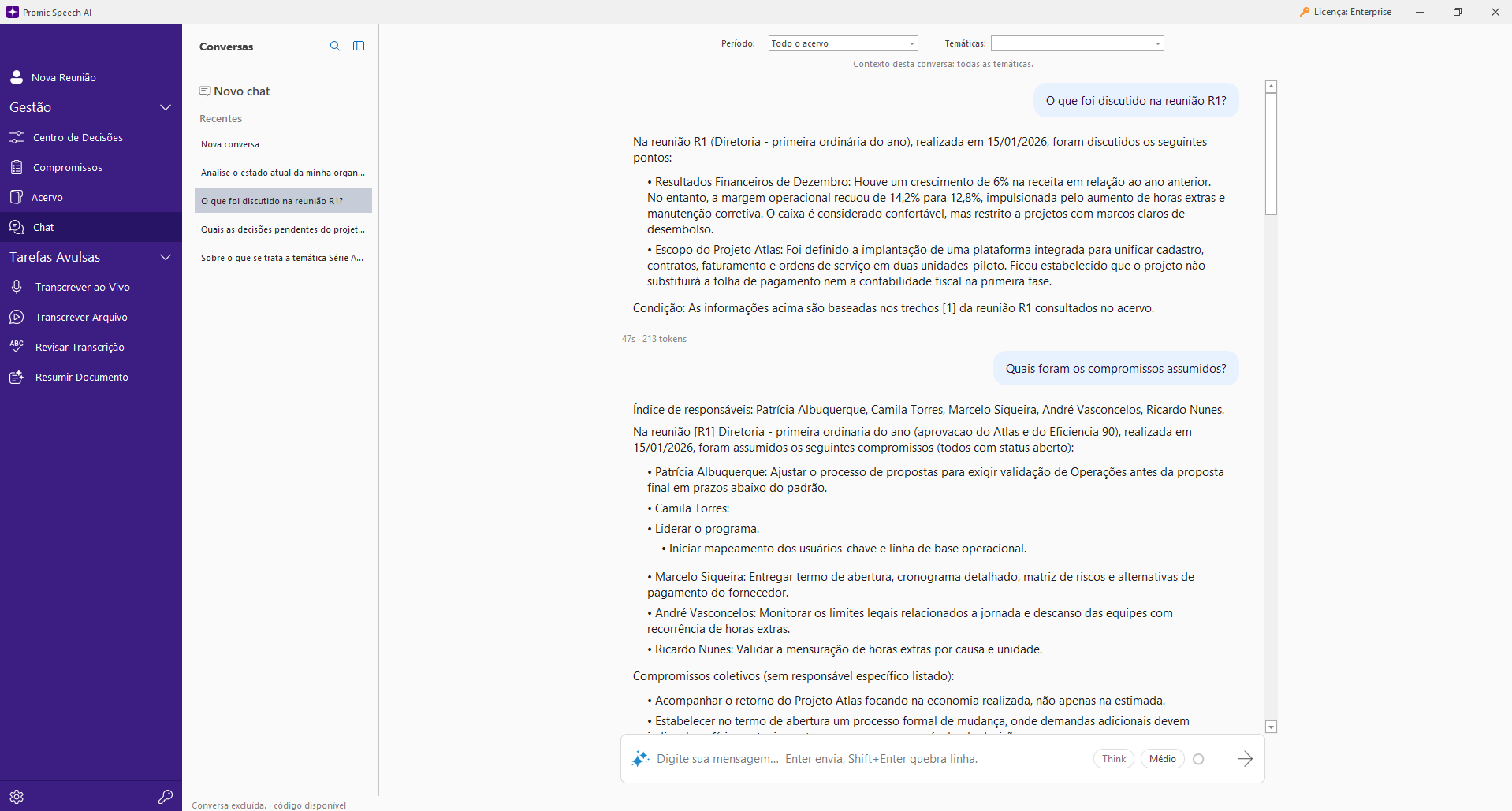
What runs on the workstation
Whisper transcribes audio on the workstation’s NVIDIA GPU. Speaker separation, summaries with local language models and the archive database also stay on that computer. Recordings, transcripts, summaries and analyses are kept in the workstation’s storage.
What uses the internet
License activation and verification use the internet, as does downloading the AI models on first launch. These connections do not carry meeting audio or text. In online calls, the video meeting platform itself still uses the internet; the application captures the window’s audio on the workstation without adding a bot to the meeting.
Why it matters for data protection
Meetings often contain personal data and sensitive information. Keeping processing in your own infrastructure reduces the number of third parties handling that content and simplifies the records required by laws such as the GDPR or Brazil’s LGPD. Compliance still depends on your organization’s policies: access control to the workstation, recording retention and the legal basis for recording remain your responsibility.
No per-minute or per-token charges
Because processing is local, the application has no transcription-hour quota and charges no token or AI credit fees. Practical capacity depends on the GPU, the chosen model and disk space.
What you need
A 64-bit Windows workstation with an NVIDIA RTX GPU with at least 8 GB of video memory. Larger models need more video memory; the catalog shows which ones fit your card. Without a compatible NVIDIA GPU, the application does not run transcription.
For teams: archive in your organization’s infrastructure
In an Enterprise deployment, the archive and access can stay on the organization’s own servers, with users, groups and permissions. The processing topology is defined in the proposal.
FAQ
Frequently asked questions
Does the application work without internet?
Meeting processing does not depend on cloud services. Internet access is required to activate and verify the license and to download the models. If your workstation is on an isolated network, talk to our team before buying.
Does Riole have access to my meetings?
No. Meeting content stays in the customer’s infrastructure, and Riole does not receive it.
How is this different from cloud meeting assistants?
Cloud assistants usually join the call as a bot and process audio on the vendor’s servers, with plans by minutes or users. Here, capture and processing happen on the workstation, without a bot, and pricing is per workstation. For quick notes from a call, a browser tool may be enough.